
Every insight, in real time.
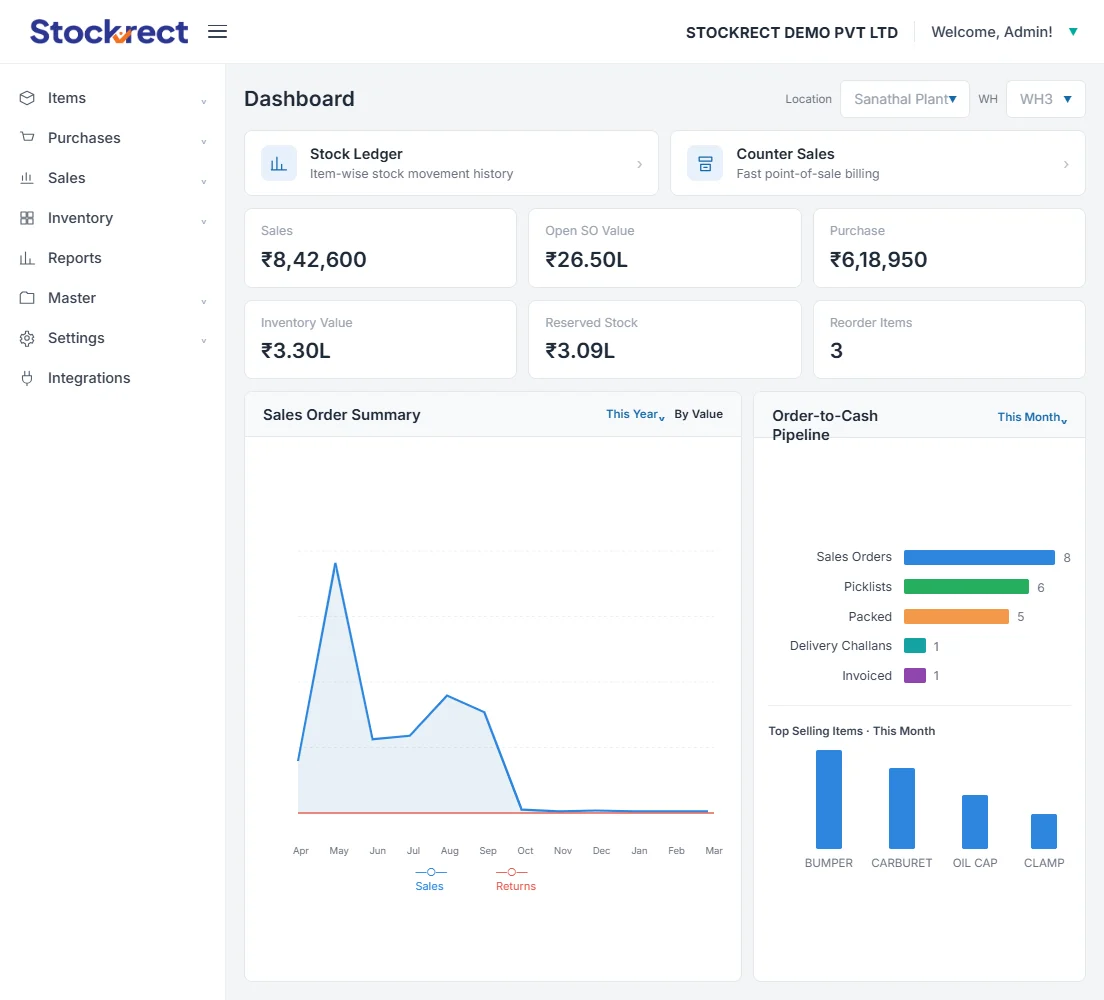
Standard dashboards for every role. Custom reports for specific questions. Exception-based alerts that surface what needs attention. Data export for finance and analysis. Reports & Analytics turns operational data into operational visibility.
 ⤢
⤢
What Reports & Analytics handles.
Role dashboards, custom reports, exception alerts, and export — reporting that reflects operational reality as of the last transaction.
How reports and analytics run.
These are the reporting operations that happen every day — the morning dashboard check, the one-off question answered without IT, and the alert that surfaces an exception before it becomes a problem.
Management Dashboard, Morning Check
Business owner opens the mobile app at 8:45 AM. The management dashboard shows overnight activity — orders confirmed, dispatches completed, exceptions pending approval. Two minutes of review has surfaced everything needing attention. The team gets moving on approvals immediately.
Custom Report Building
Finance needs a report showing customer aging by territory, filtered by product category, for last quarter. Custom report builder handles this without IT involvement — drag columns, apply filters, save the report definition, schedule for weekly delivery. Ongoing operational reporting without engineering tickets.
Exception-Based Alerts
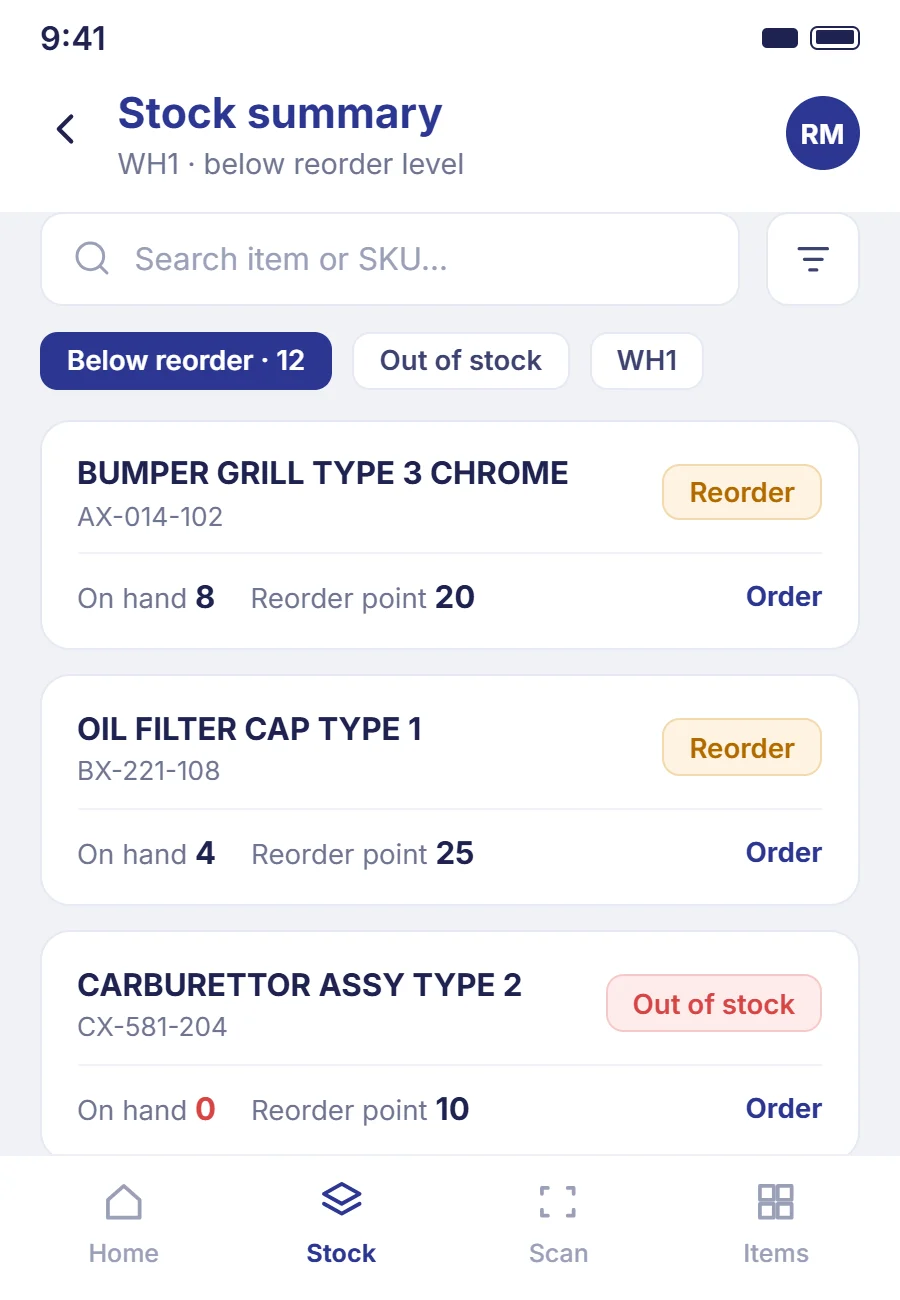
Rather than reviewing everything, configure alerts for what matters — SKU below reorder point, customer approaching credit limit, warehouse variance beyond threshold. Alerts route to the right role via email or push notification. Attention focused on exceptions, not routine.
Who uses Reports & Analytics.
Every role gets a dashboard built for the decisions they actually make — management consumes it most.
How Reports connects.
Reports read straight from live operational data — no ETL, no nightly batch, no separate warehouse to keep in sync.
Common questions about reports and analytics.
Yes. Dashboards reflect operational reality as of the last transaction. No overnight batch processes, no reporting lag.
Yes. The custom report builder is designed for business users — drag columns, apply filters, save and schedule. IT involvement not required for standard reporting needs.
Yes. Any report can be scheduled for regular delivery via email or messaging to specific recipients.
Multi-format export supported — Excel, CSV, PDF. Direct integration with accounting systems for financial data. API access available for enterprise tier.
Every insight, in real time.
A 30-minute discovery call showing the reports and analytics that matter to your operation on Stockrect. If it's a fit, we'll follow up with a tailored proposal.
Have questions first? Email hello@stockrect.com